Currency
Toggle Nav



![A1875 242mAh Apple Watch Series 3 42mm Battery Replacement [GPS] [ORI]](https://tphau.lanpx.com/media/catalog/product/cache/75c1f560e5fce4fbf4c3a6f5032a8bd6/a/w/aw-s3-42-batt-gps.jpg)

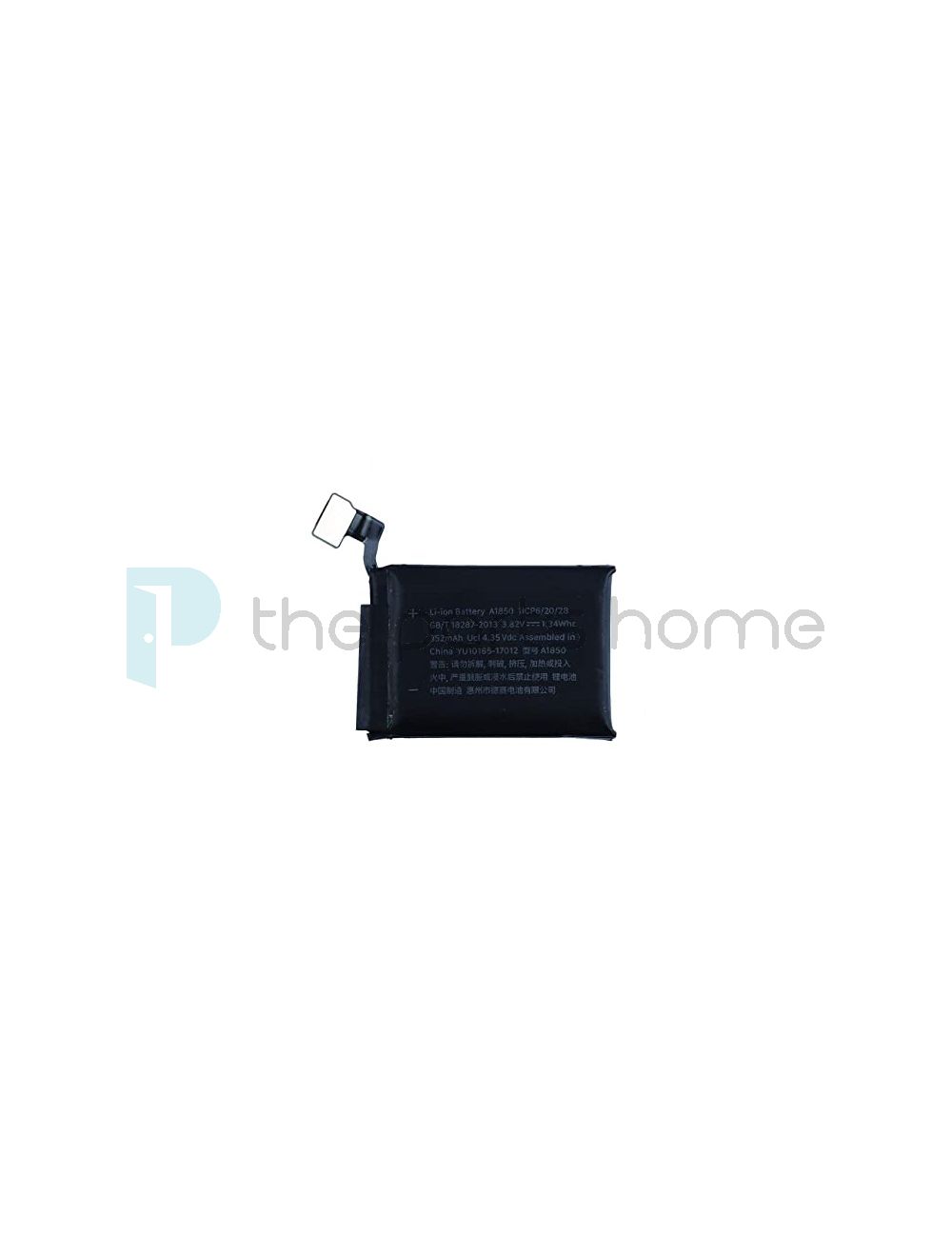
A1850 352mAh Apple Watch Series 3 42mm Battery Replacement [GPS+Cellular] [ORI]
Login to check stock and price
SKU
AW-S3-42-BATT-CLR
Why my Apple Watch has no power sign after the battery replacement?
For Apple Watch battery, the PCB board has self-protection feature. If your Apple Watch does not power on after the battery replacement, most likely it is in hibernate mode. To re-activate the battery, you can follow the steps below.
*Please note you can do it at your own risk. TPH will not accept responsibility for any damage accidents or losses.
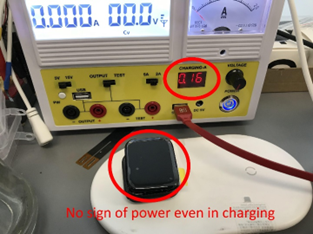
No Power sign even in charging
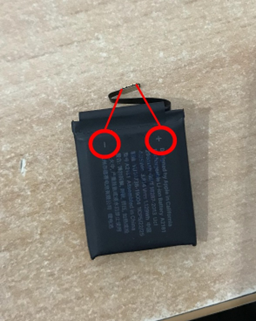
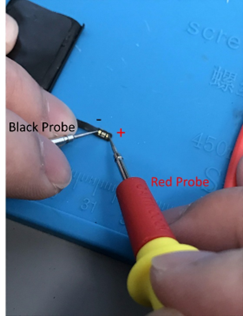
Locate the polarity of the battery
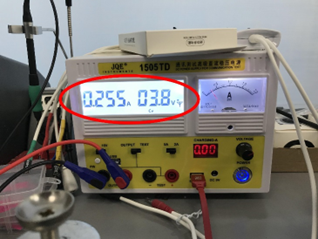
Adjust the DC power supply to 3.8V with red probe on positive terminal and black probe on negative terminal
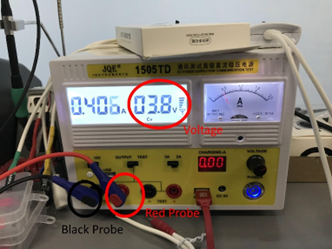
Current will flow through the battery. Wait until the current to reach around 260mA
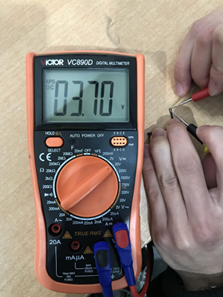
Check the battery voltage with multi meter which will appear the voltage.
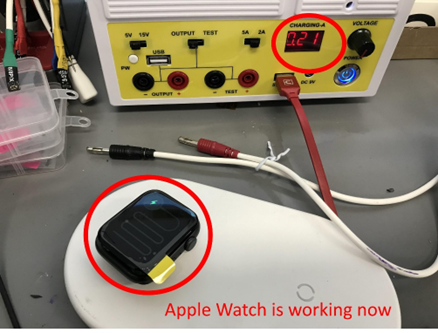
Finally, the Apple Watch is working after the activation.
| Part Category | Battery |
|---|---|
| Is on Sale | No |
Write Your Own Review
The information below is required for social login
Sign In
Create New Account